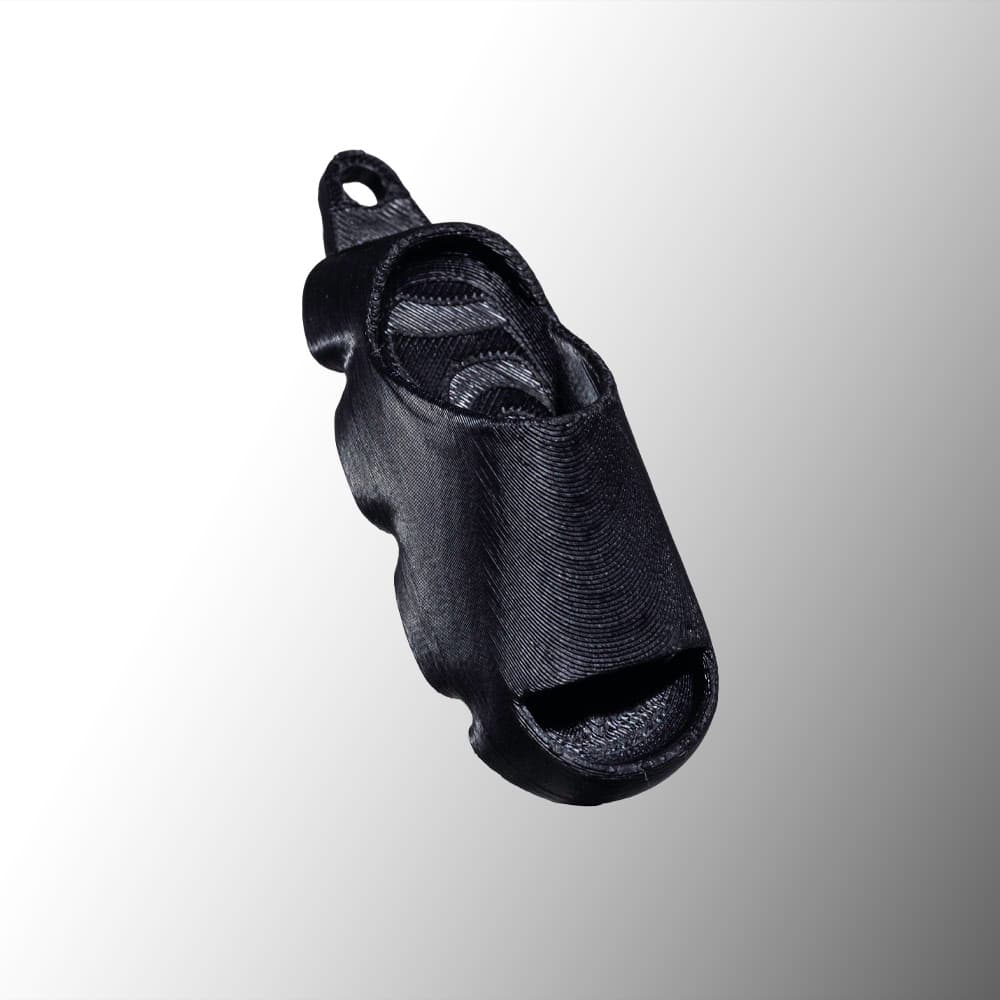
STZY
Custom merch at Sneakercon
A new way for Sneakercon attendees to engage with the pre-order of STZY's ENOK Cloud slide.
Custom NFC tags, 3D-printed
We design and print tags people want to keep, then build what happens when they tap one: a profile, a giveaway, a ticket, a sign-up. No app to install.
Works with any NFC-enabled iPhone or Android, or by QR code.
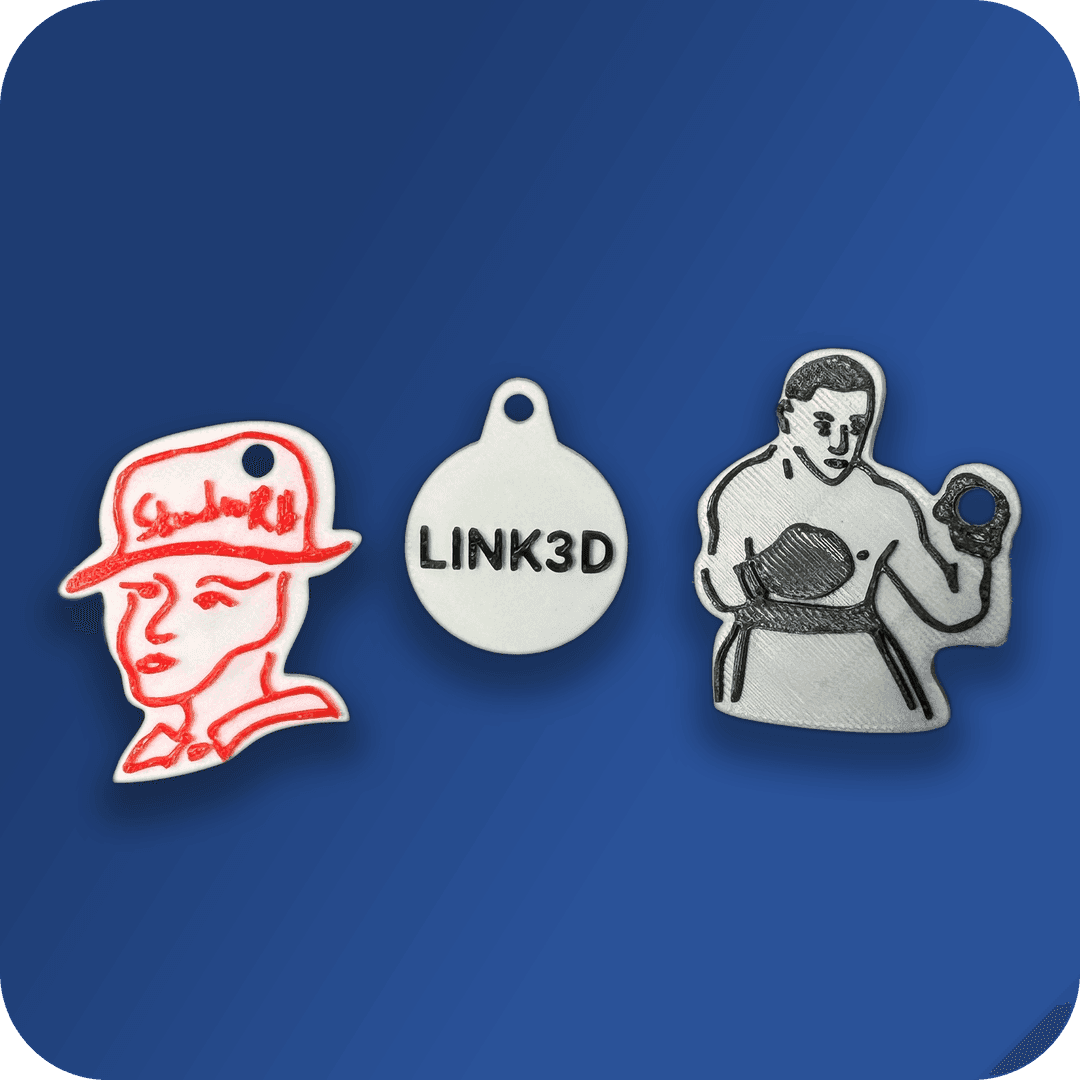
Send a logo, a sketch or just an idea. We model the tag around it, in your colours.
Every tag is 3D-printed and gets its own NFC chip and QR code, linked to your account.
A phone opens your page in a second, no app needed. Change where it goes any time from your dashboard.
STZY
A new way for Sneakercon attendees to engage with the pre-order of STZY's ENOK Cloud slide.
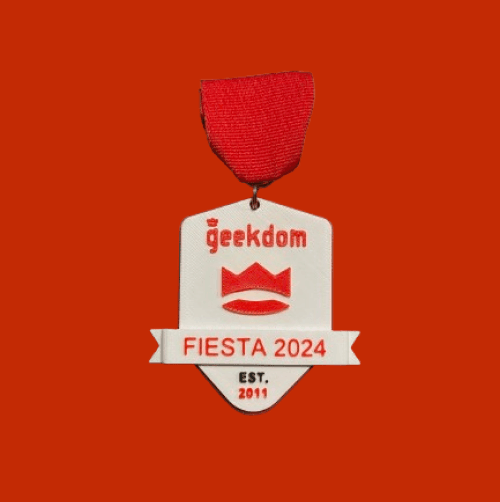
Geekdom
After KSAT featured our 2023 Geekdom fiesta medal, we made the first smart fiesta medal in 2024, driving visits to Geekdom's site all through Fiesta.
Watch the KSAT featurePNC
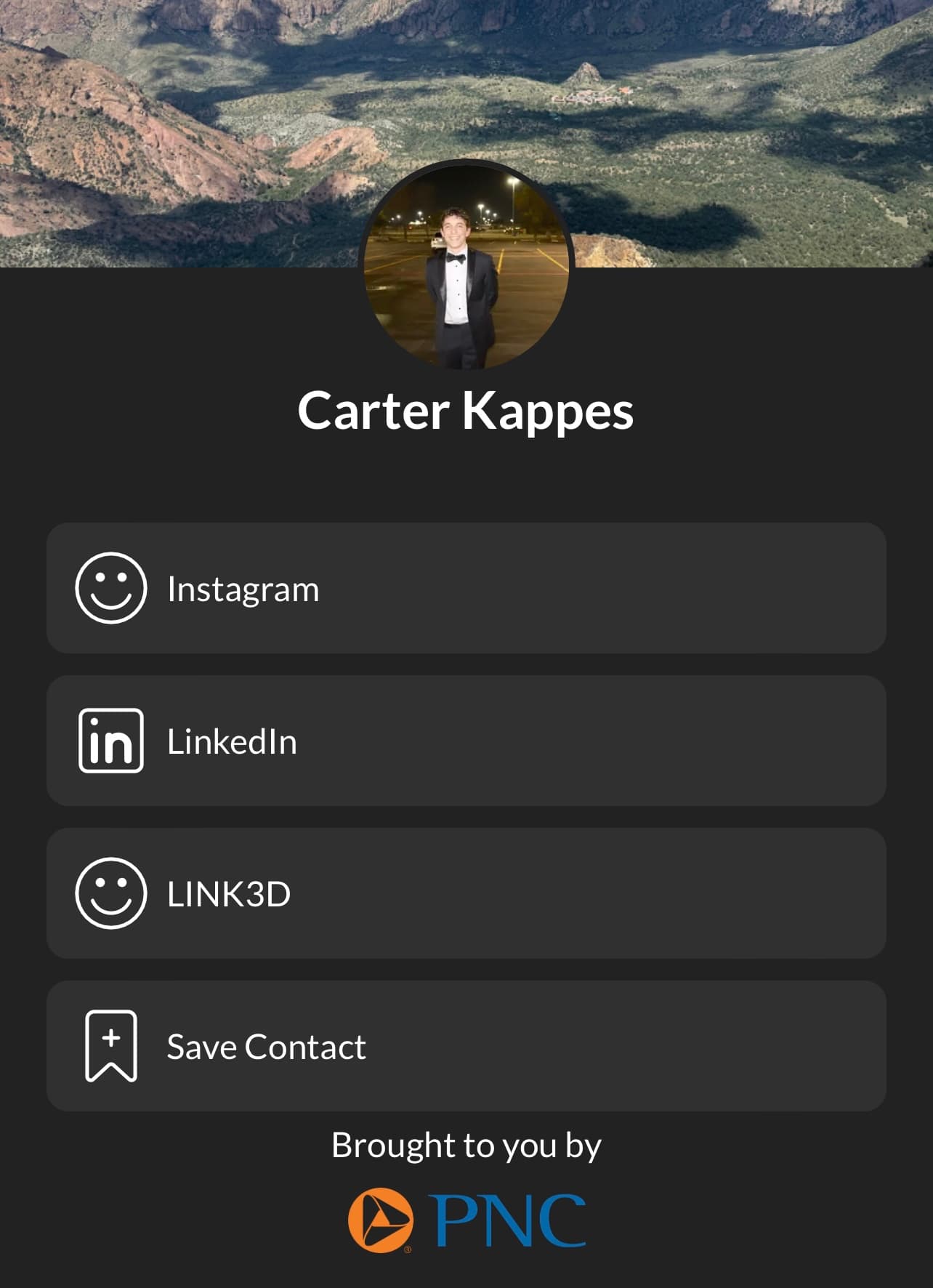
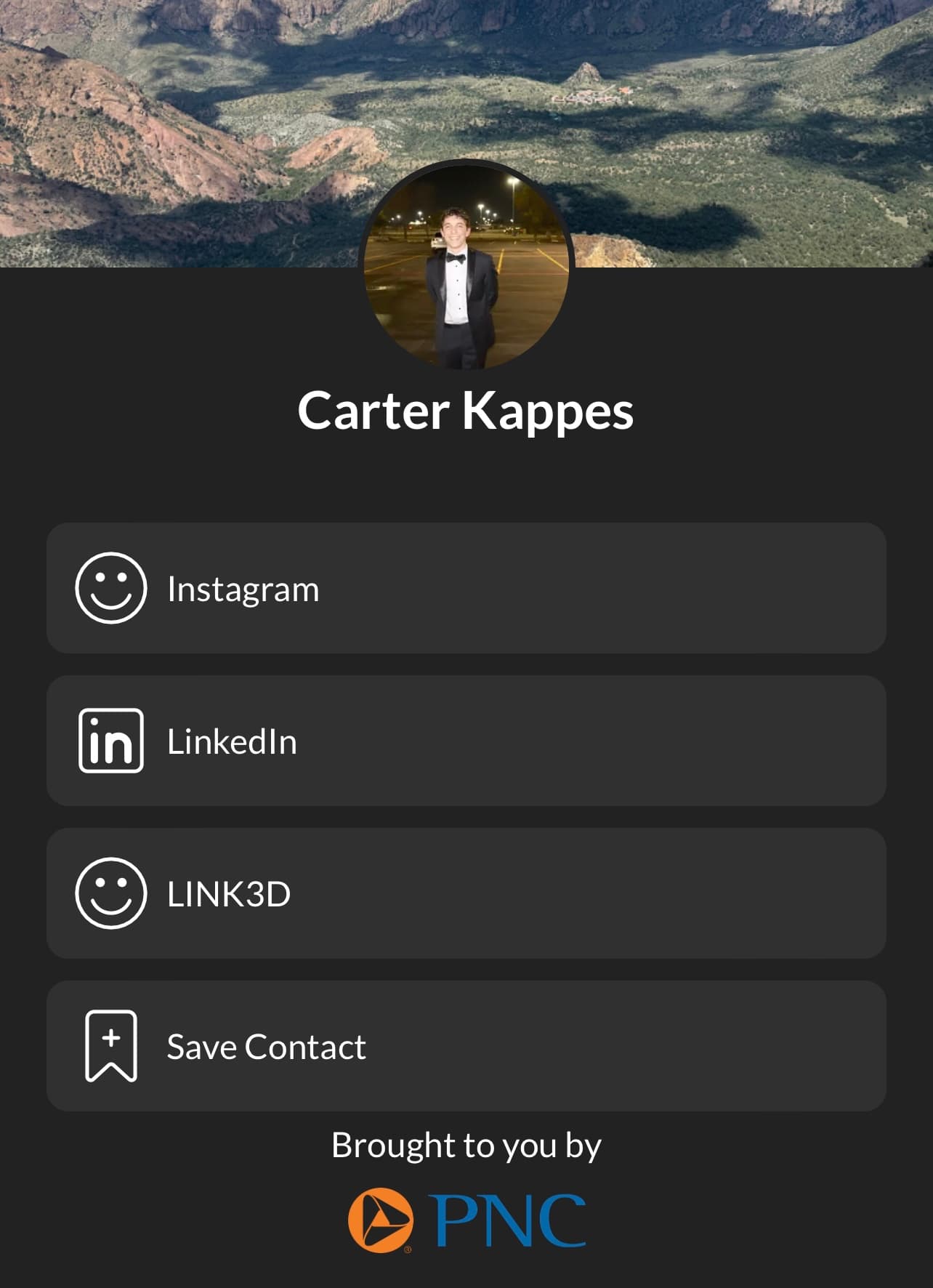
A custom NFC device for PNC employees and members, with a web app that gathers each person's details into one profile to share.
LINK3D makes custom 3D-printed NFC and RFID devices, and the software behind them.
Digital business cards, event and access devices, promotional products and games, loyalty programs, credit systems and more. The same tag can be pointed somewhere new at any time.
A page with all your links in one place, so you can share everything about you in one tap.
Tags use NFC (near-field communication), which needs a smart phone held within 1 to 5 cm. On an iPhone the reader is at the top, near the speaker. On Android it is in the middle of the back.
Open Settings, search for “NFC” and switch it on.
No. Every device ships either reprogrammable or with a free LINK3D profile.
Tell us what you have in mind: the event, the quantity, the deadline. We reply to every message.
Running a pull-tab promotion? See second-chance QR